Riverdale Foundation Community Directory
Navigating
Here are the instructions to navigate around the Riverdale Foundation Commun its Directory.
Membership Directory
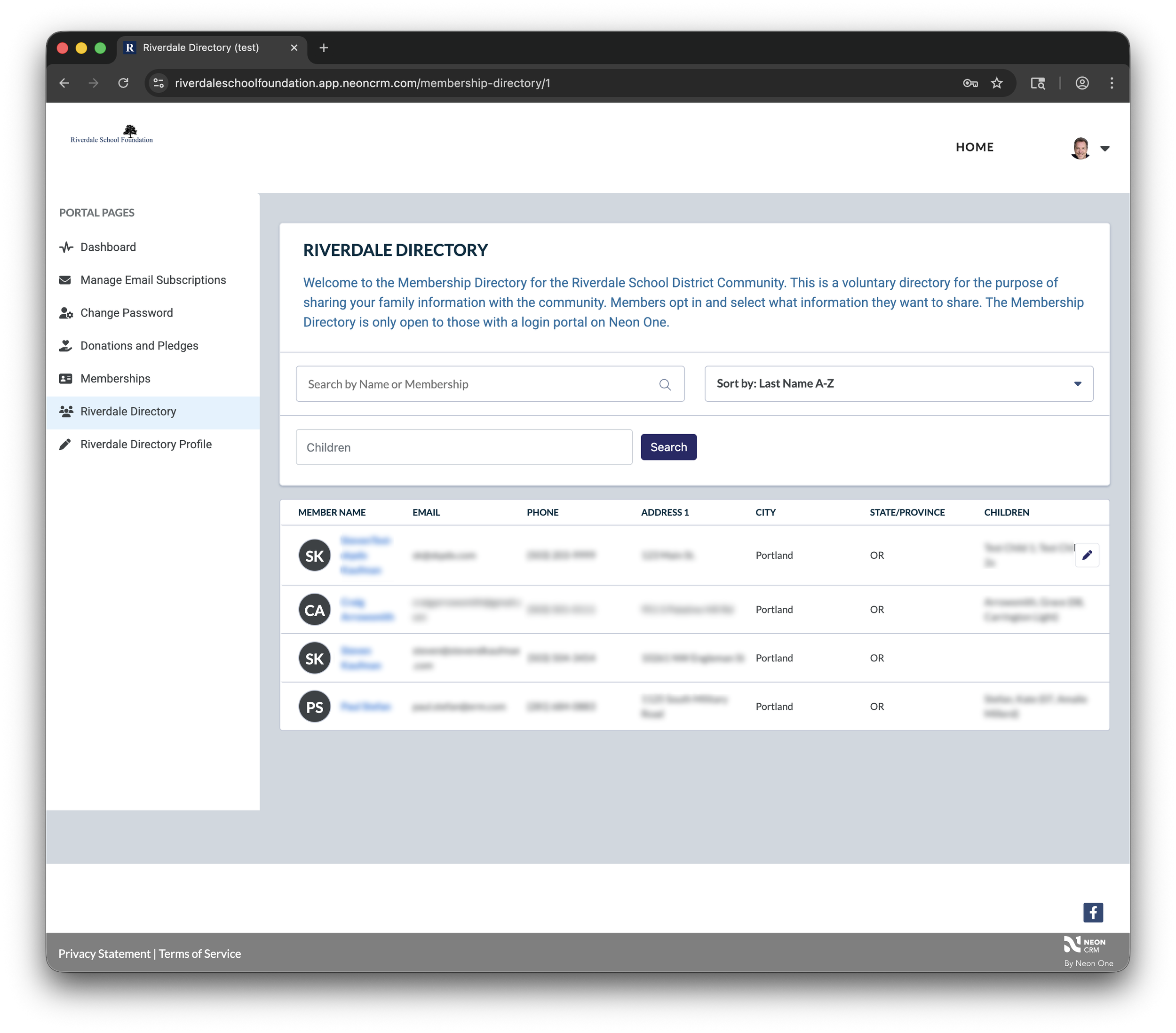
To view the directory, click “Membership Directory” on the left sidebar. You’ll see a list of everyone who has opted into the directory.
Your directory entry will always appear on the top of the list.
To view an entry on the list, click their name in the “Member Name” column.
To search a name, type the name in the “Search Name or Membership” box. (You can type a first or last name. You can’t use special search strings like Smi*").
You can also search a name by entering the first name of a student or child in the “Children” search box. (You can type a first or last name. You can’t use special search strings like Smi*").
You can sort the list alphabetically by first name and last name by choosing the option from the “Sort by” dropdown box
View a Member Listing
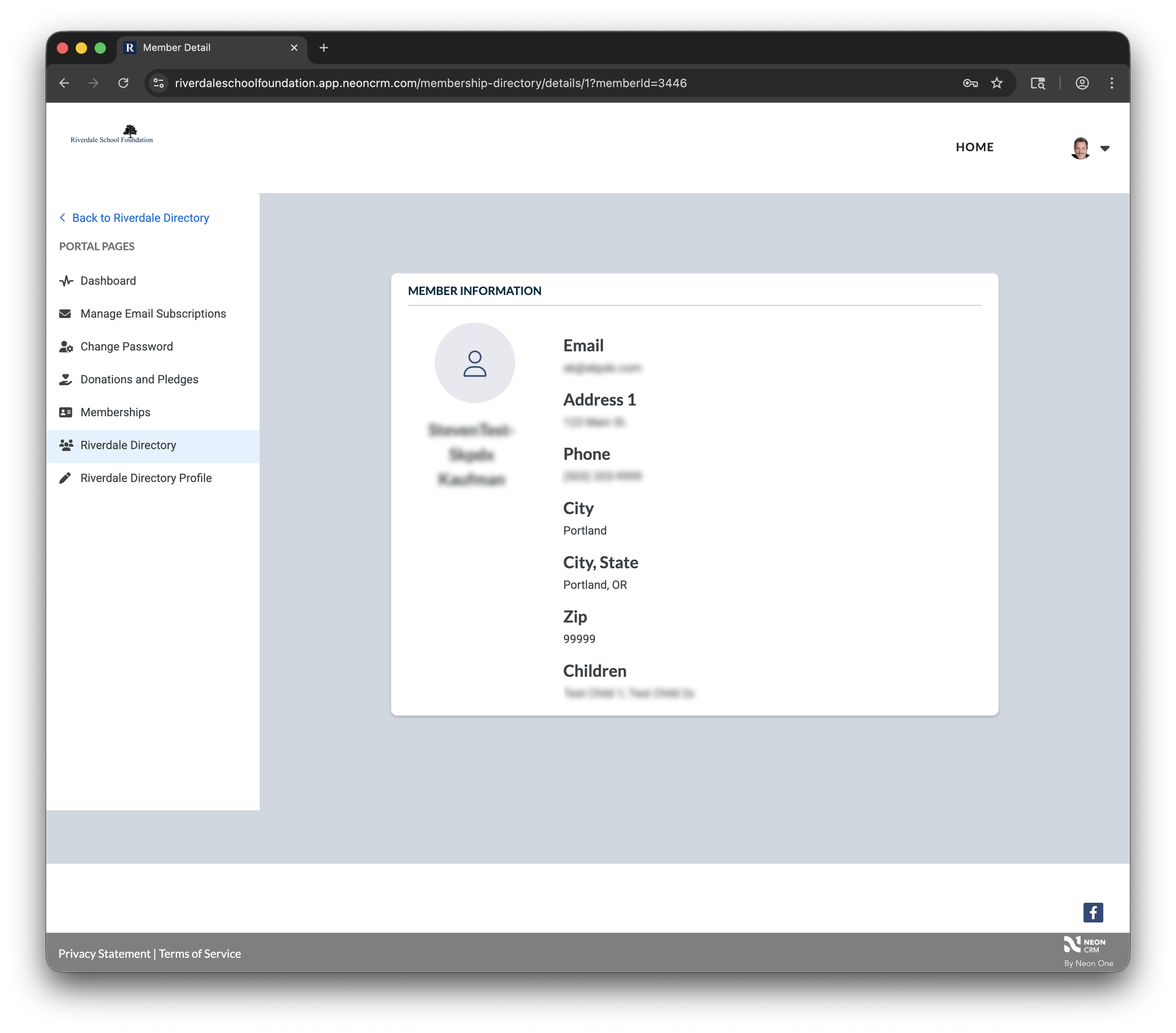
Once you click a name from the list, you’ll see their details.
To return the directory, click the “Back to Riverdale Directory” link on the left sidebar.
Memberships
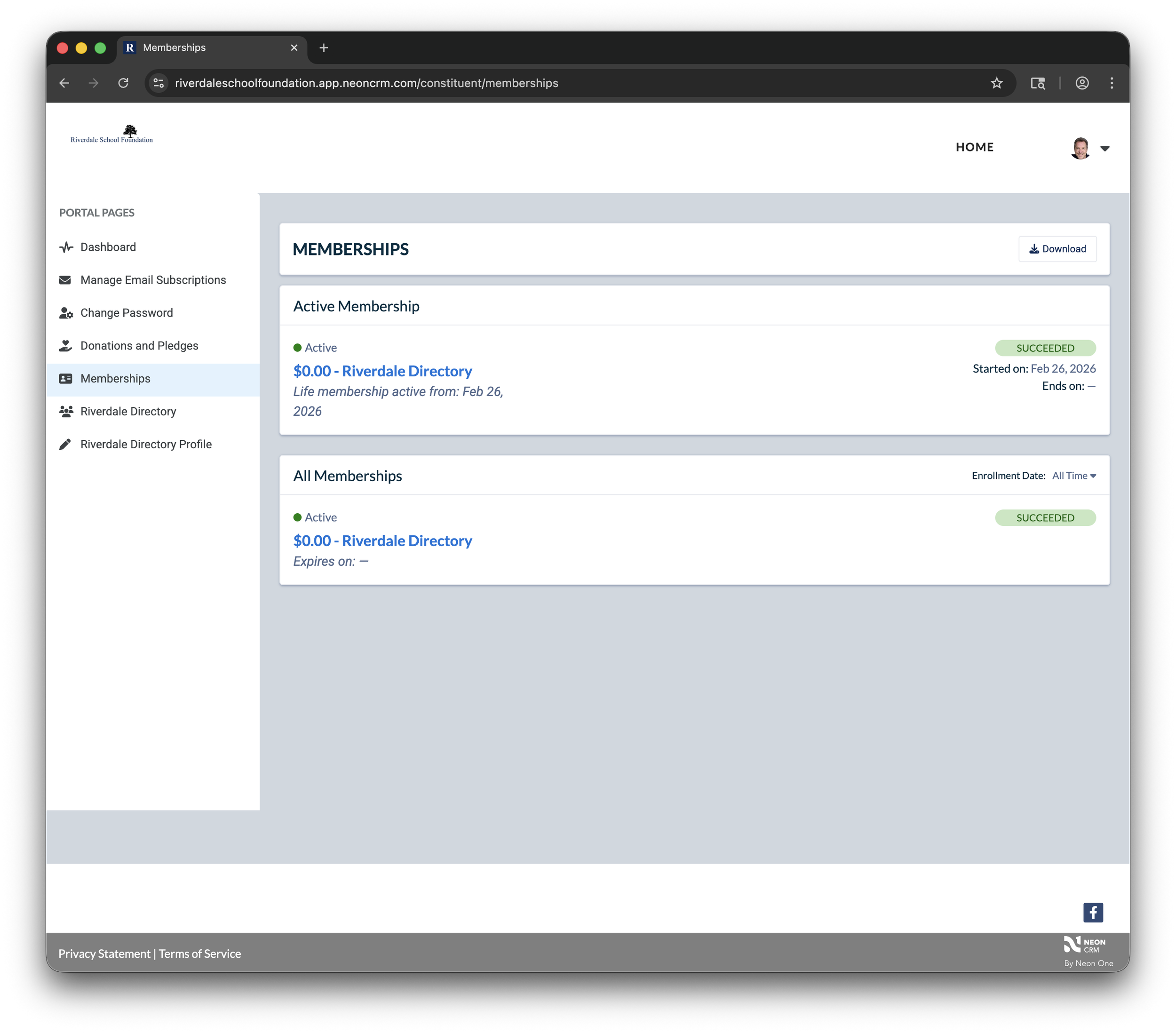
Click “Memberships” on the left sidebar. This shows that you are listed in the Riverdale Directory.
You probably won’t visit this area of the portal very often.
Riverdale Directory Profile
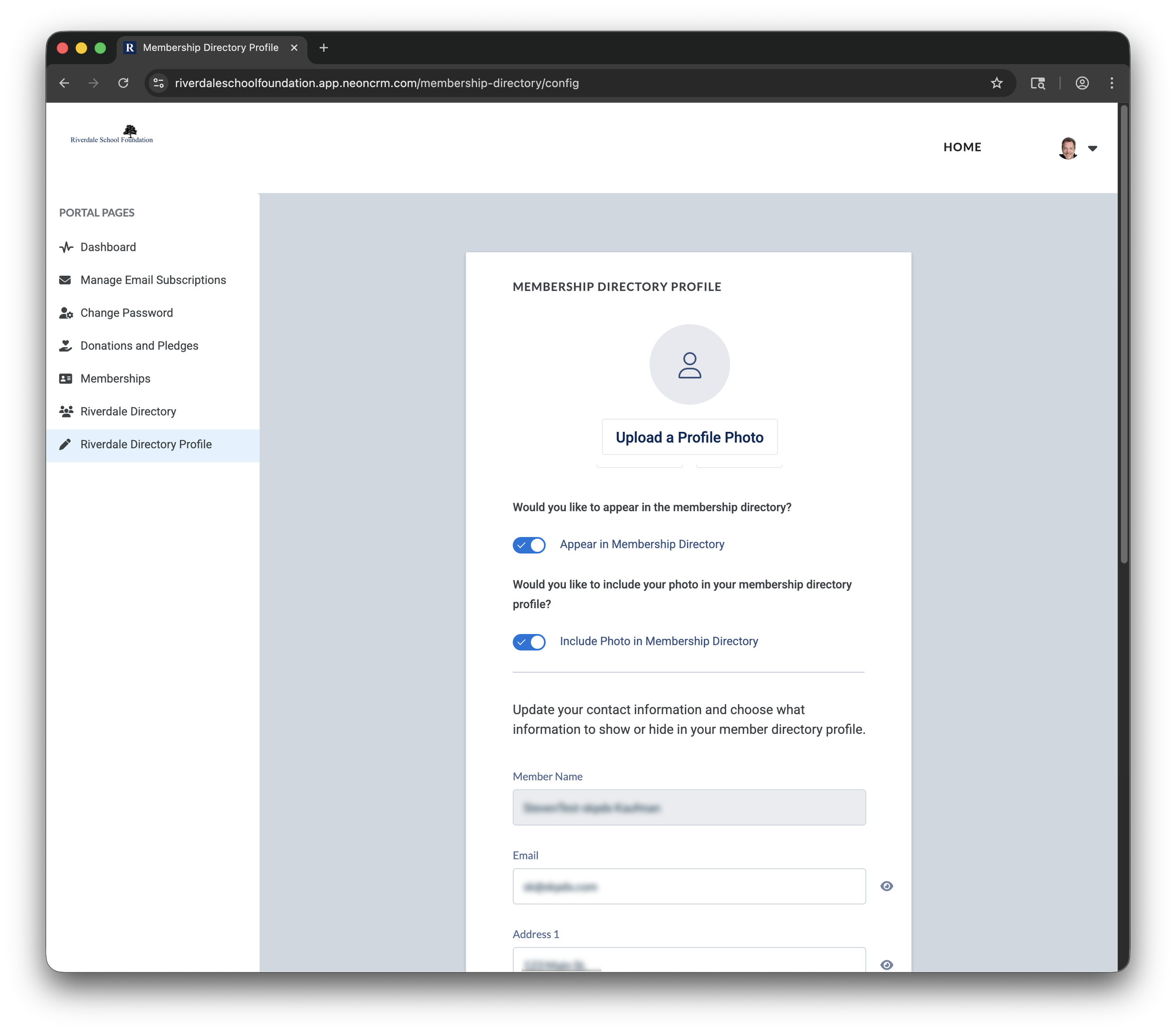
Click “Riverdale Directory Profile” on the left sidebar.
This is where you control what information others can see about you when they click on your directory entry.
If you want to upload a photo for the directory, click the “Upload a Profile Photo” button. Pictures should be 150x150 pixels and under 1MB.
If you change your mind and don’t want to be in the directory, click the “Appear in Membership Directory” slider.
To prevent your profile photo from appearing in the directory, click the “Include Photo in Membership Directory” slider.
Edit any of the fields to make sure your information is accurate.
To prevent a field from being displayed in the directory, click the icon that looks like an eye to the right of each field. Click it again if you change your mind and want the field to be displayed.
When you’re done with your edits, click the “Submit” button to save your changes.